
Routes
A route links a domain + path prefix to a bucket + folder. Create it from Routes → New route choosing among verified domains and existing buckets.
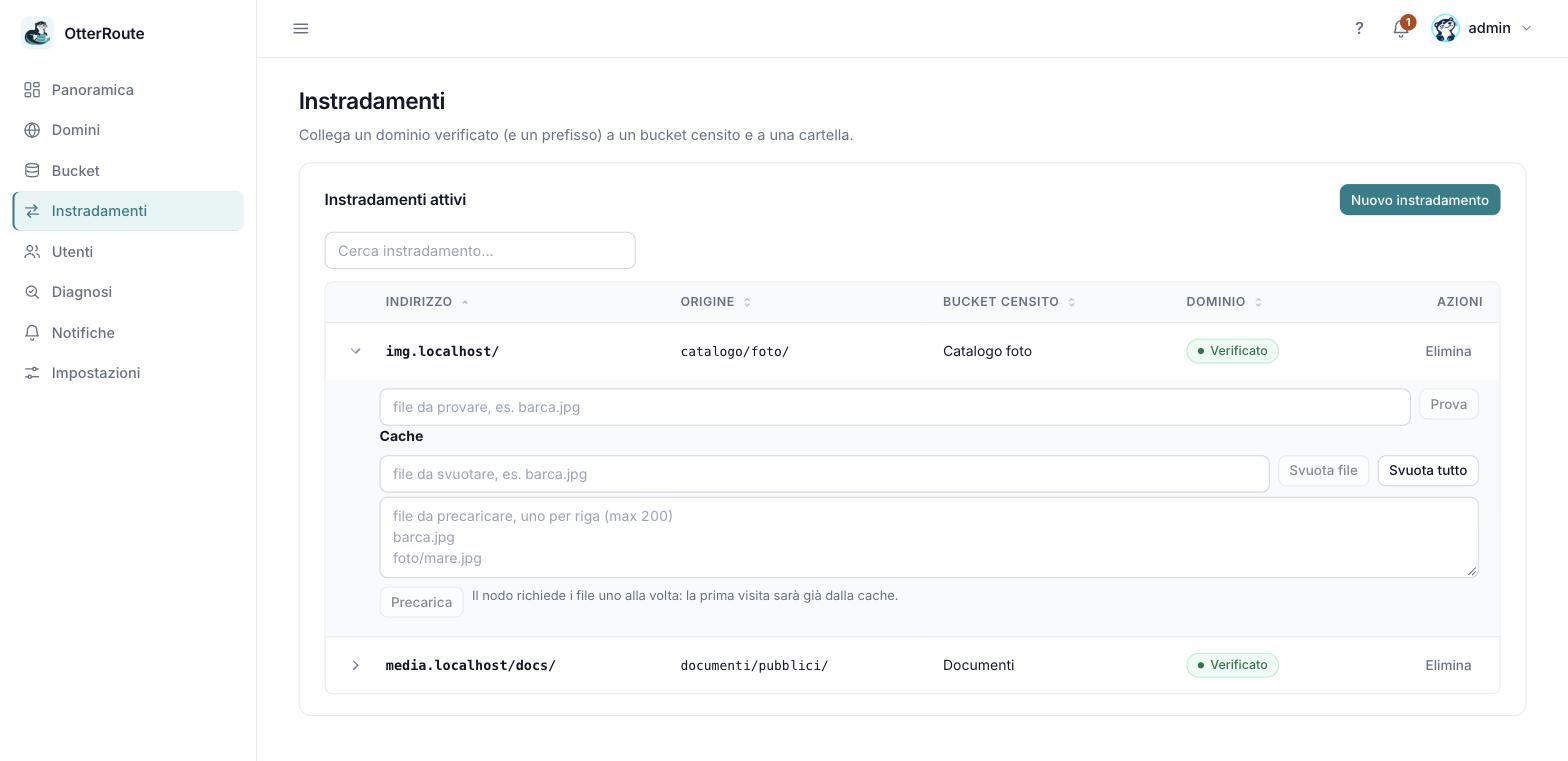
Active routes, with the row expanded · 26/09/2026
How to read it
| Field | Meaning |
|---|---|
| Domain | Must be verified. |
| Path prefix | / for the whole domain, or /docs/. The panel normalizes it (starts and ends with /). |
| Bucket | The bucket to read from. |
| Folder | Optional: everything outside stays private. |
The preview in the window shows the match: img.company.com/file.jpg → catalog/photos/file.jpg.
Examples
| Route | Request | File read |
|---|---|---|
img.company.com + / → catalog / photos/ | img.company.com/boat.jpg | catalog/photos/boat.jpg |
media.company.com + /docs/ → documents / public/ | media.company.com/docs/prices.pdf | documents/public/prices.pdf |
media.company.com + /photos/ → catalog / photos/ | media.company.com/photos/boat.jpg | catalog/photos/boat.jpg |
The same domain can have several routes with different prefixes, even to different buckets.
Selection rules
- The longest prefix wins, compared by whole segments:
/docs/does not catch/docsx/. - A domain + prefix pair is unique: a duplicate is rejected with the name of the rule that holds it.
- An unknown host answers
404. - Only
GETandHEADare allowed (other methods:405). - The path is normalized;
./..and%2Fare rejected with400. - The query string is not forwarded to the storage and is not part of the cache key.
- The route prefix is removed before looking for the file (in the price list example,
/docs/is not part of the file name in the bucket).
Changes apply immediately, with no restart. To delete a domain or a bucket you must first delete the routes that use them.